Vault Backup
Safely export and import your encrypted vault.
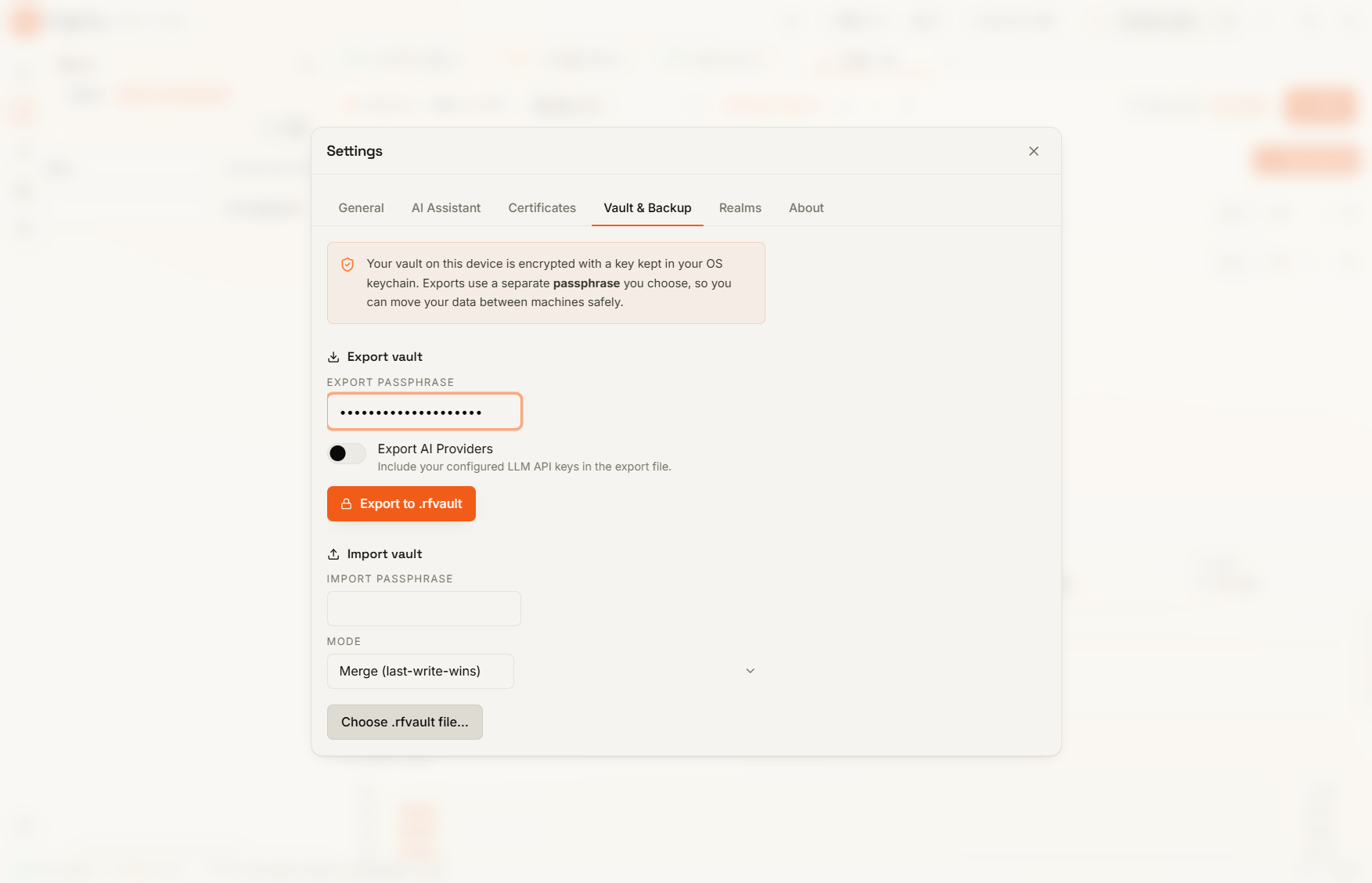
Exporting
- Open Settings > Vault & Backup (or similar section).
- Click Export Vault.
- Choose a strong encryption password.
- ForgeReq will generate a
.rfvaultfile.
Importing
You can move your .rfvault file to any other machine running ForgeReq to instantly restore all your requests, history, and variables.