Client Certificates (mTLS)
Configure global mutual TLS.
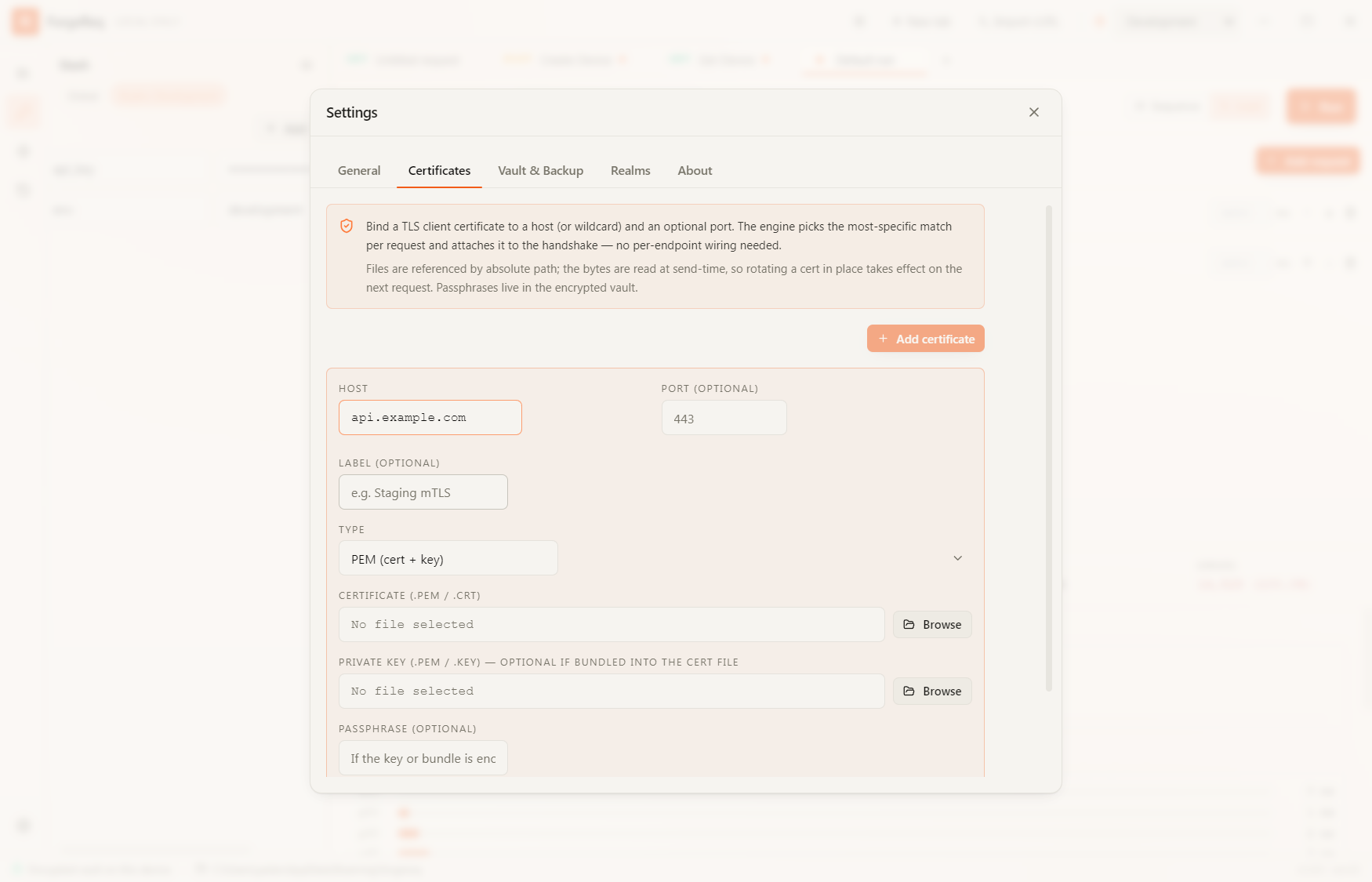
Adding a Certificate
- Open Settings.
- Navigate to the Certificates tab.
- Add your
.pfx,.p12, or.pemfiles. - If your certificate requires a passphrase, enter it. The passphrase will be securely stored in your encrypted vault.
Once added, ForgeReq will automatically negotiate mutual TLS when communicating with servers that request it.